
Reserve a Room
Members of the public may reserve basement meeting rooms during regular library hours. Reservations may be made up to 28 days in advance by scheduling online, calling, or visiting the library. Reservations are subject to approval. The Library reserves the right to cancel a reservation, or to substitute facilities if the scheduled room is needed for library business.
Guidelines
- Reservations may be made up to 28 days in advance.
- Evening reservations are limited to 1 per month.
- Daytime reservations should be completed before scheduling another.
- Meeting rooms may be used on a first-come-first-serve basis when not otherwise scheduled.
- Setup/Cleanup should be completed during the reservation time.
- Food is not allowed in meeting rooms during public reservations.
- No signatures or fees may be collected.
- Any damage or cleaning fees will be charged to the reserving party.
Please contact us with any question, or see our Policies Page for a full list of meeting room rules and guidelines.
Group Types & Fees
Library meeting rooms are free for educational, civic, cultural, study groups, and governmental groups. Commercial or for-profit entities are charged $40/hr, even if the meeting itself is civic, cultural, or educational. Please contact us if you are unsure which category your reservation falls under.
Examples:
- Business/For-profit: Financial planner hosting a free seminar on retirement planning.
- Business/For-profit: An individual using the room as office space to work remotely or conduct interviews for a commercial business.
- Personal/Non-profit: A 501-c3 nonprofit HOA meeting.
- Personal/Non-profit: An interviewee on a videoconference job interview.
Reserving Online
Online room reservations must be made at least 1 day in advance so requests can be approved by staff. Day-of reservations may be made in-person, or by calling the library.
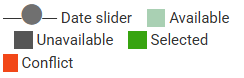
Legend

Tips
- Use calendar to select date.
- Tap squares to select 15-minute increments.
- Use gray circle slider (below squares) to view earlier or later times.
- If you see a "No rooms found" screen, the rooms may be unavailable or the library may be closed.
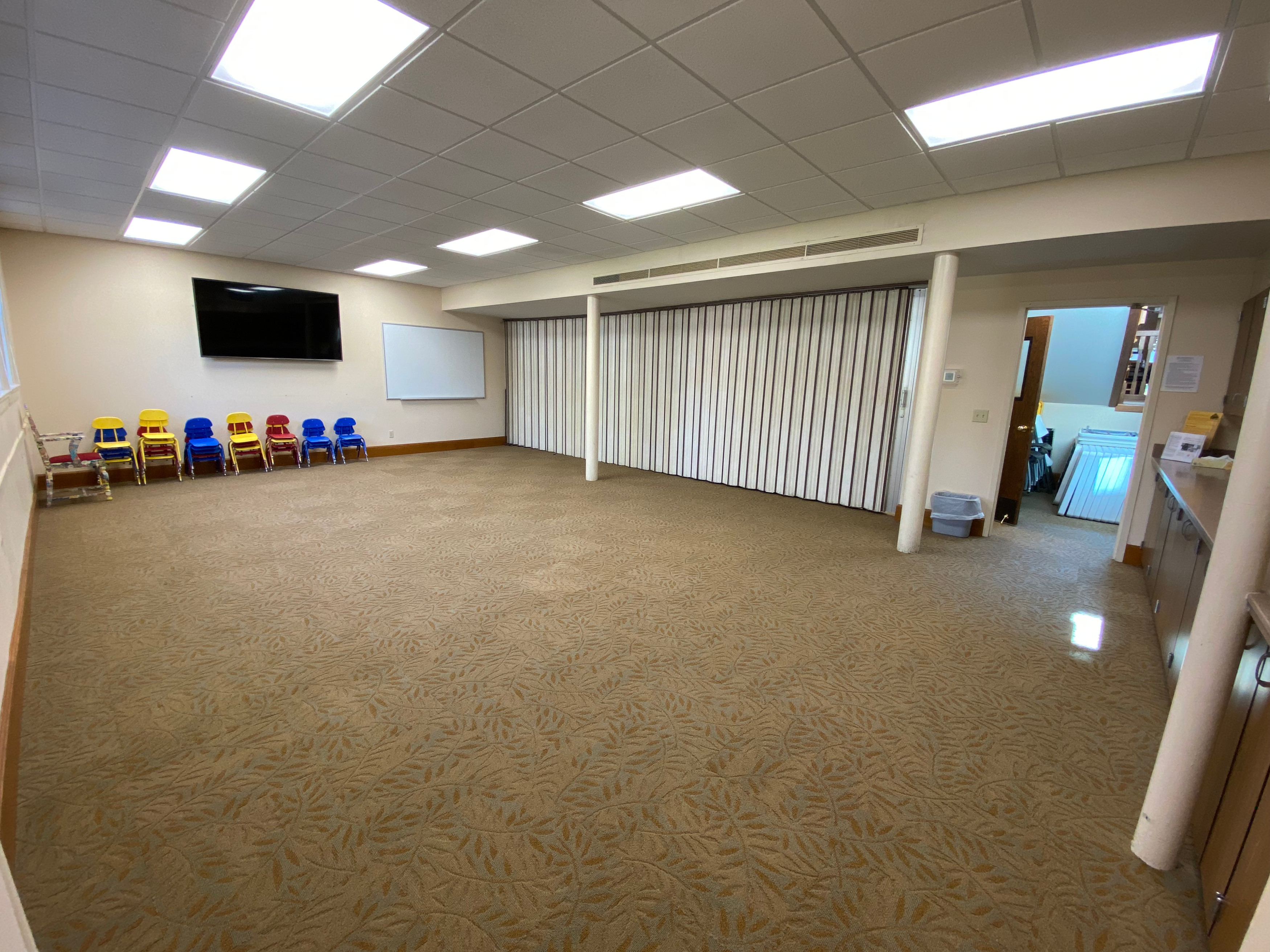
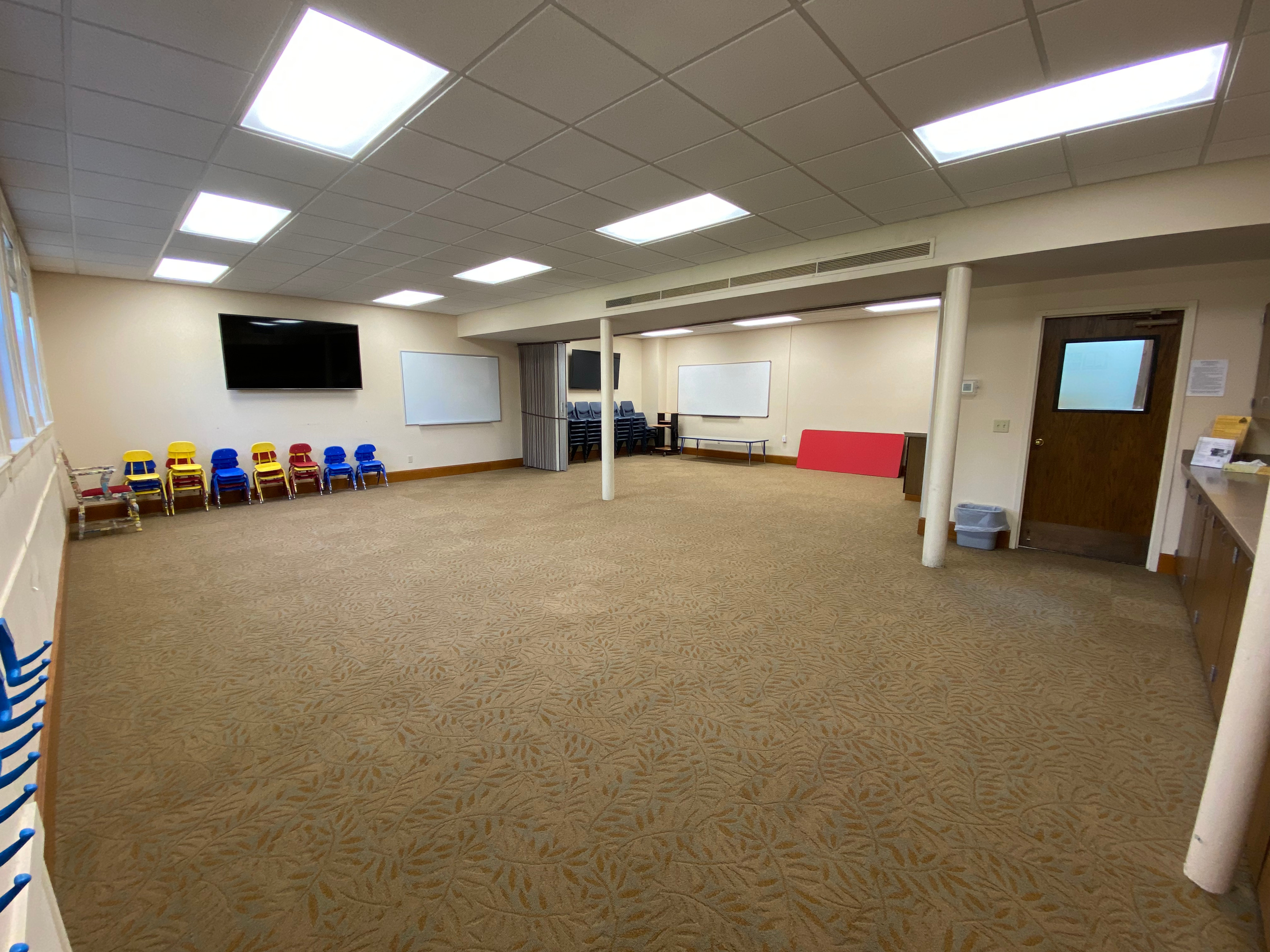
Room 1
Capacity 35
- TV
- Magnetic Whiteboard
- Can be combined with Room 2
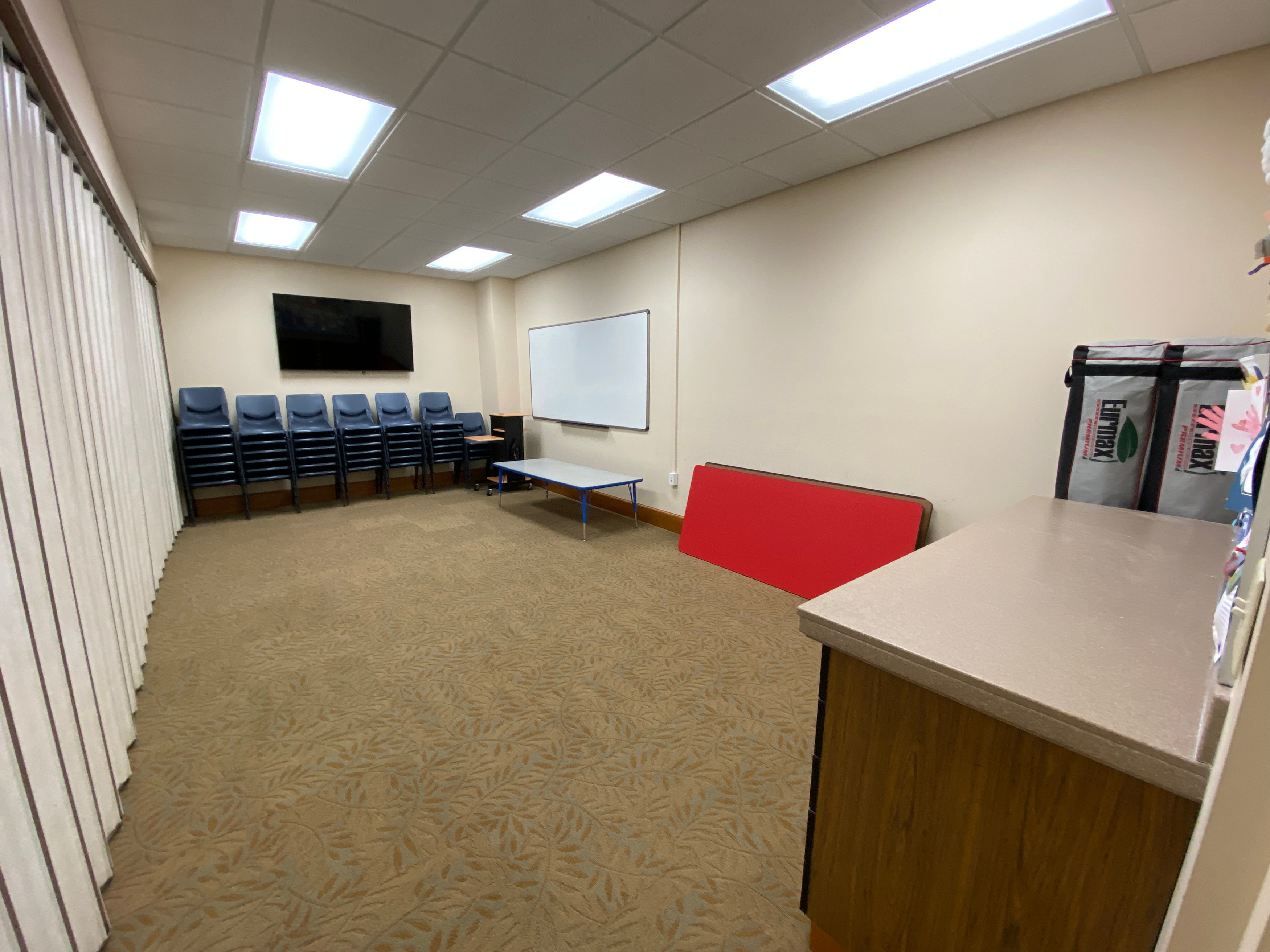
Room 2
Capacity 15
- TV
- Whiteboard
- Can be combined with Room 1
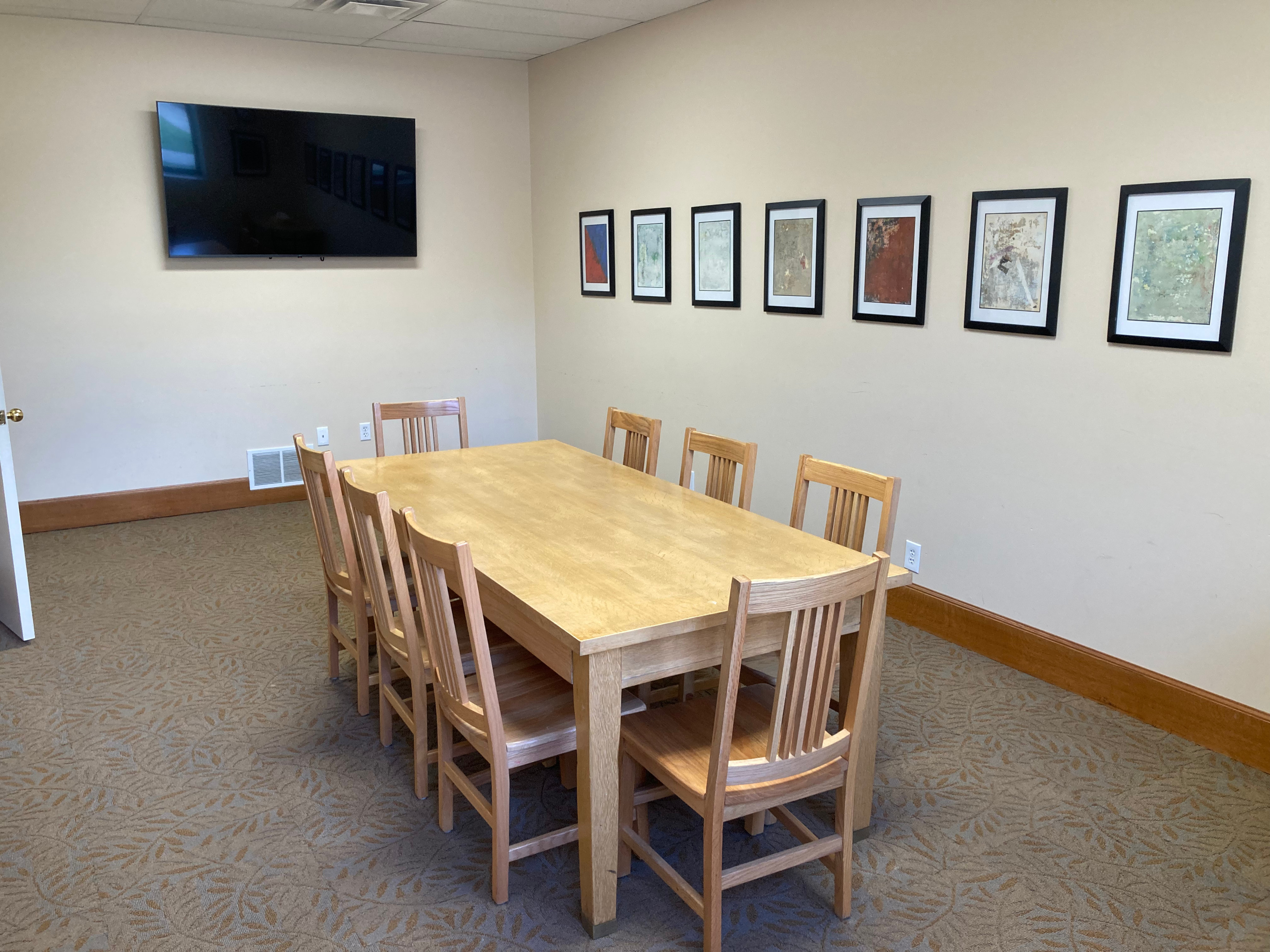
Room 3
Capacity 10
- TV
- Conference table and chairs
Rooms 1&2 (Combined)
Capacity 50
- Charged as 2 rooms for commercial groups
Brigham City Library
26 East Forest Street
Brigham City, UT 84302
435-723-5850
Do reservations cost money?
For some groups.
Meeting room reservations are free for educational, civic, cultural, study groups, and governmental groups.
Commercial or for-profit entities are charged $40/hr, even if the meeting itself is civic, cultural, or educational.
Do you have tables and chairs?
Yes!
The library has a number of tables and chairs for use in the meeting rooms. Patrons are responsible for the setup and takedown of any equipment during their reservation time.
What kind of connections do your TVs have?
HDMI & others.
The primary connections on our meeting room TVs are HDMI ports. Remotes, cords, and select adapters are available at the front desk. For questions about adapters, please contact the front desk.
AirPlay and other wireless connections may also work, but staff does not provide tech support.